
For spec and multi-lot builders
Software for spec homes and multi-lot builds
When you build the same plans again and again, the schedule should come from the last house, not a blank page. Save your schedule and budget as a template, start each lot from it, and watch every house from one dashboard.
- Save your own schedule and budget as a template
- A new lot scheduled in minutes
- Every house on one dashboard
- A draw schedule for each lot's loan
Free during the beta. No credit card.
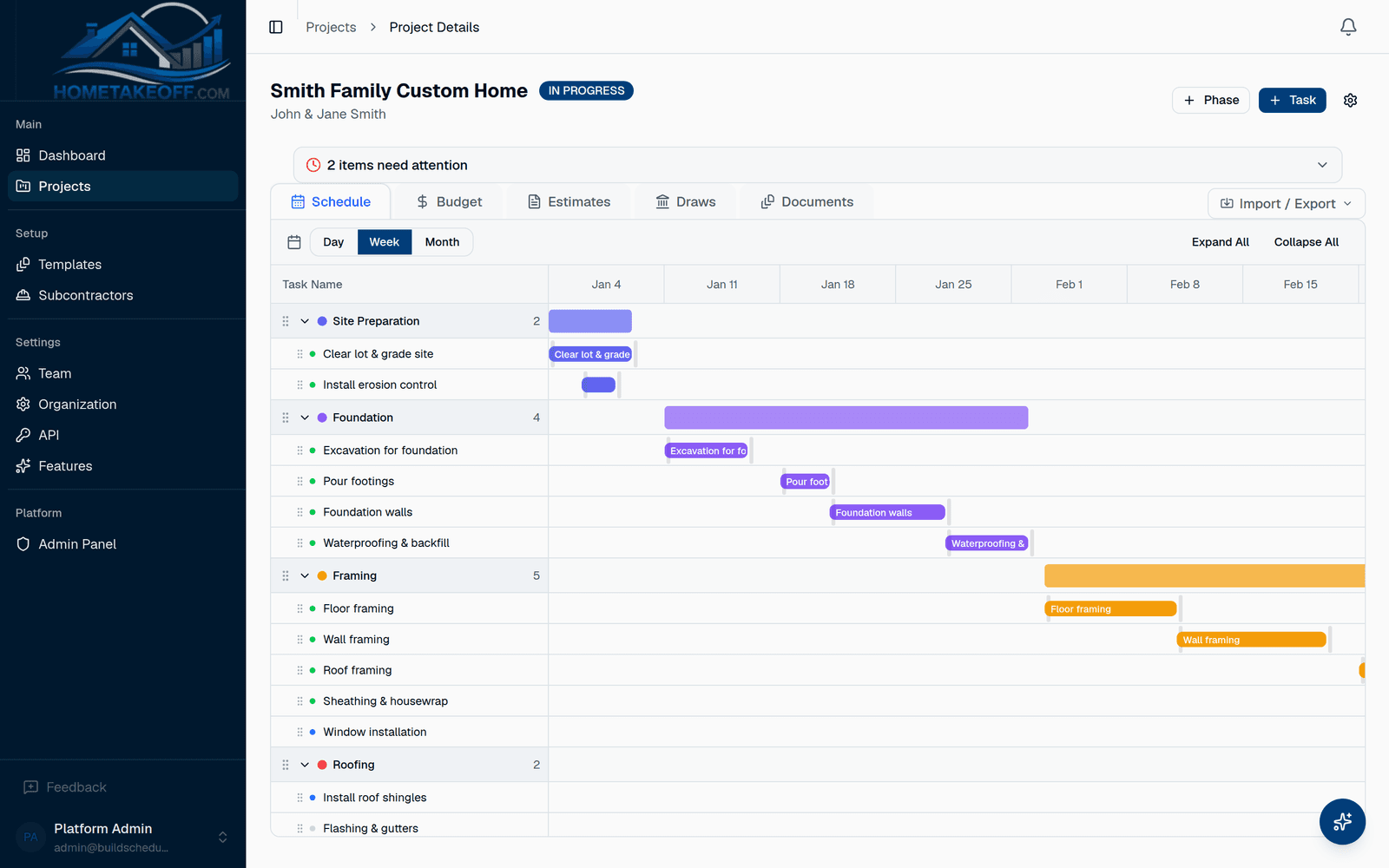
Your plans, as a template
Save a finished house as a template with its phases, tasks, workday lengths and budget. Start the next lot from it, pick the start date, and the dates count workdays from there.
Every lot on one screen
The dashboard shows each house's schedule health, overdue tasks and budget variance, so you see which lot needs you today.
- Overdue tasks across every house
- Budget variance per house and per phase
- Open bids and what's waiting on you
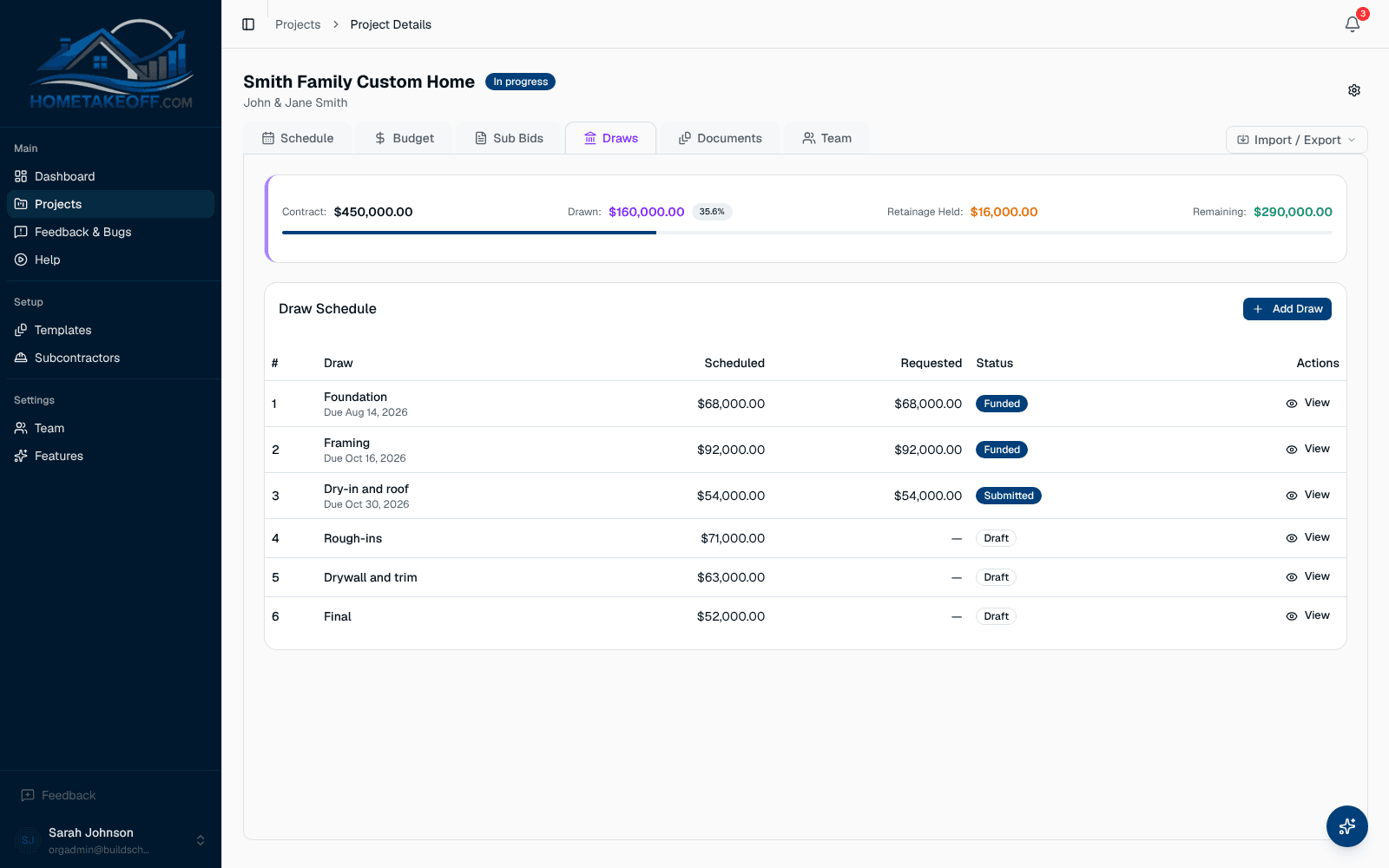
A loan and a draw schedule per house
Each house gets its own draw schedule tied to its phases, with retainage and progress photos for the lender.
Questions builders ask
Can I copy one house's schedule to the next lot?
Yes. Save the project as a template, then start each new lot from it. Change the start date and the rest follows.
Is there a limit on projects?
No. Projects are unlimited during the beta.
How much does it cost?
Nothing during the beta. Everything in the app is free for every account, including the AI Assistant, up to a generous allowance for each company. There is no credit card and no trial clock. Beta users will hear about any change well in advance.
Try it on your next job
Create a free account, look around the sample project, then schedule a real one.
Create a free account